
 One-click unsubscribe · Bulk cleanup

 See how it works
 No password stored
 Read-only OAuth 2.0
 No body text stored
 Revoke access anytime
 GDPR-ready
Unsubscribe from Hundreds of Emails in One Click
Find every newsletter and promotional email in your inbox, select them all, and unsubscribe in minutes instead of hours.
Connect your email
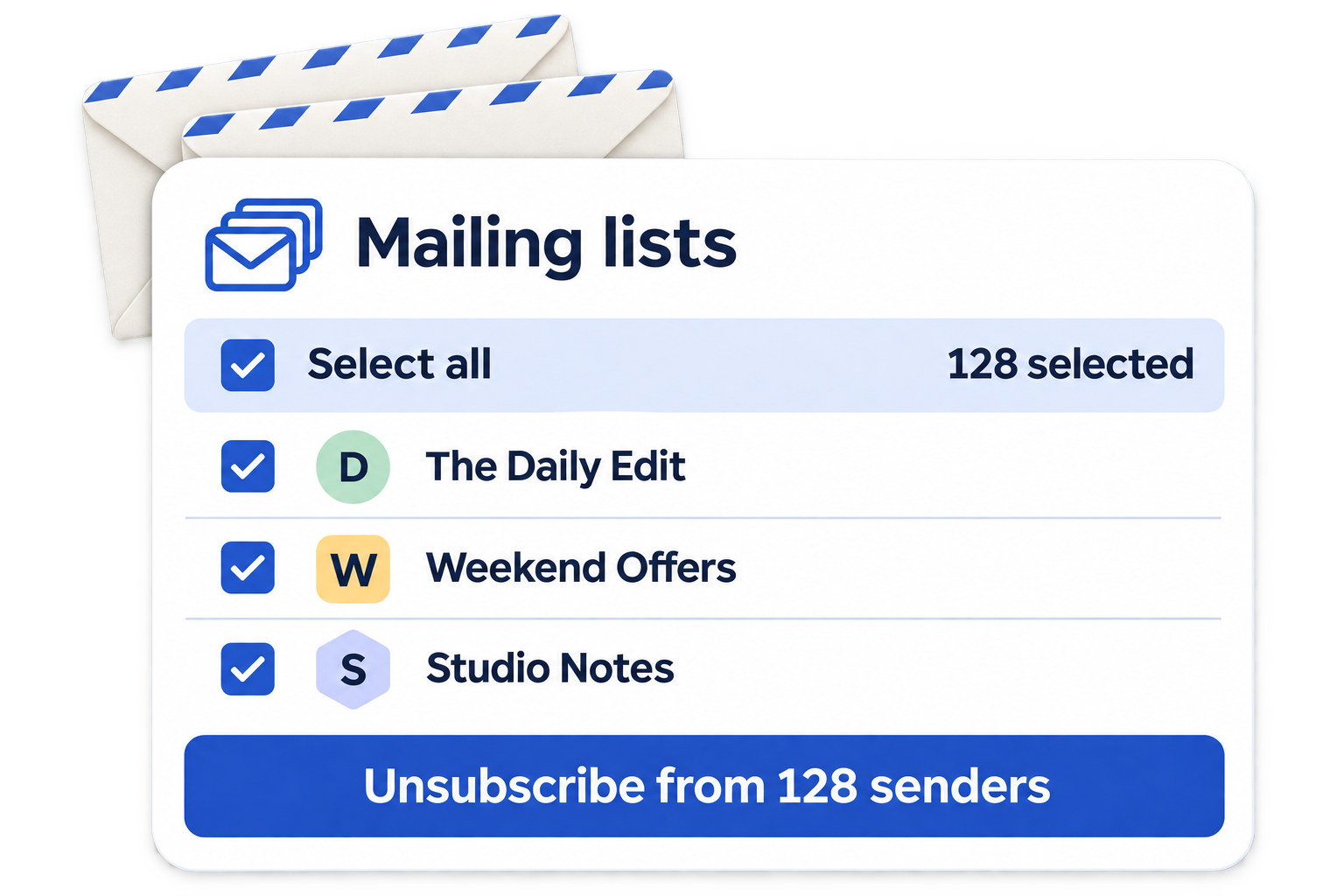
One-click unsubscribe · Bulk cleanup
Stop Mail scans your Gmail inbox with read-only access, surfaces subscription senders, and lets you Unsubscribe, Keep or Delete — one at a time or in bulk.
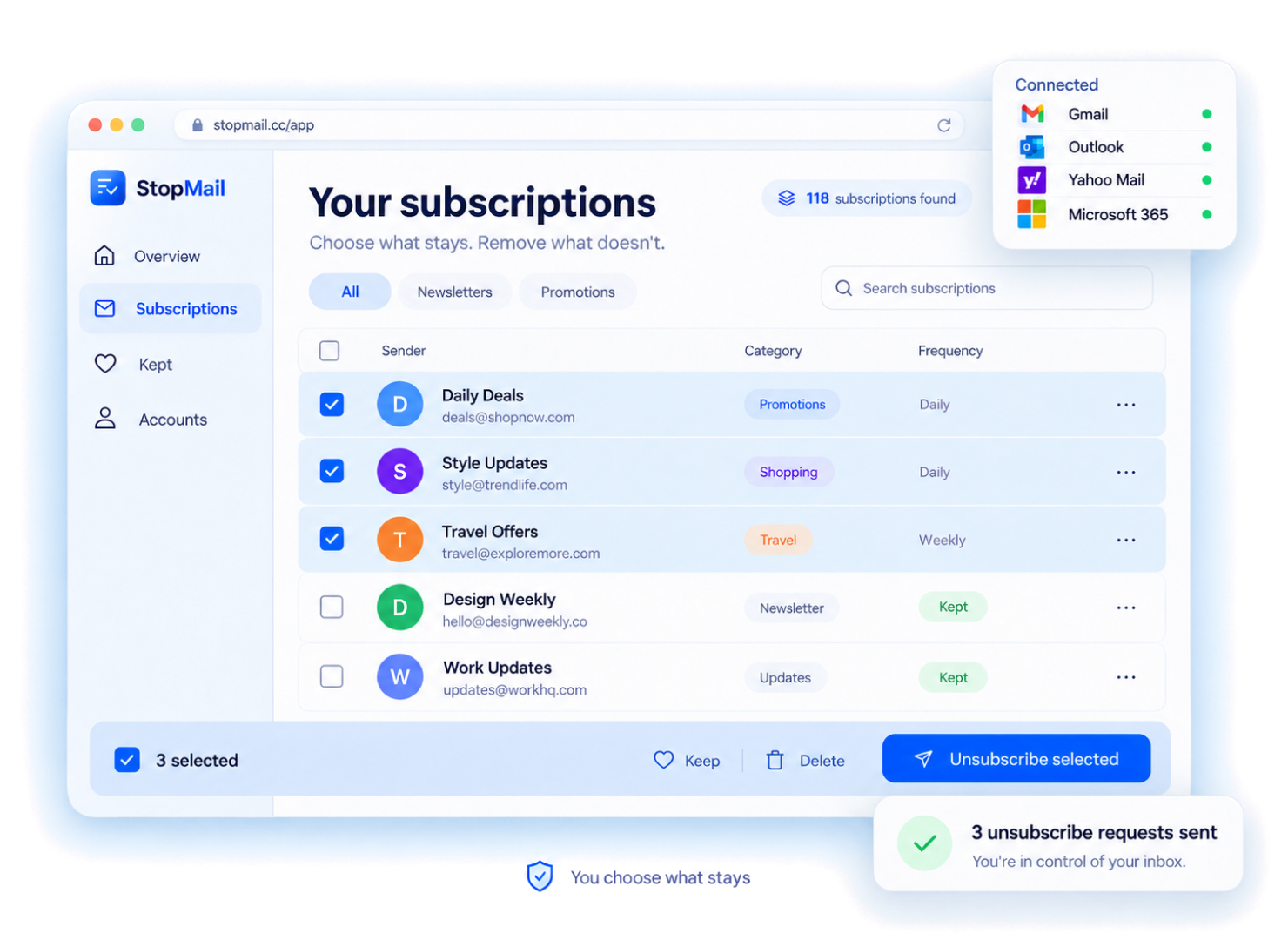
Find every newsletter and promotional email in your inbox, select them all, and unsubscribe in minutes instead of hours.
Connect your emailFailed attempts never count against your plan. See the status of every request, so you know which senders are really gone.
Connect your email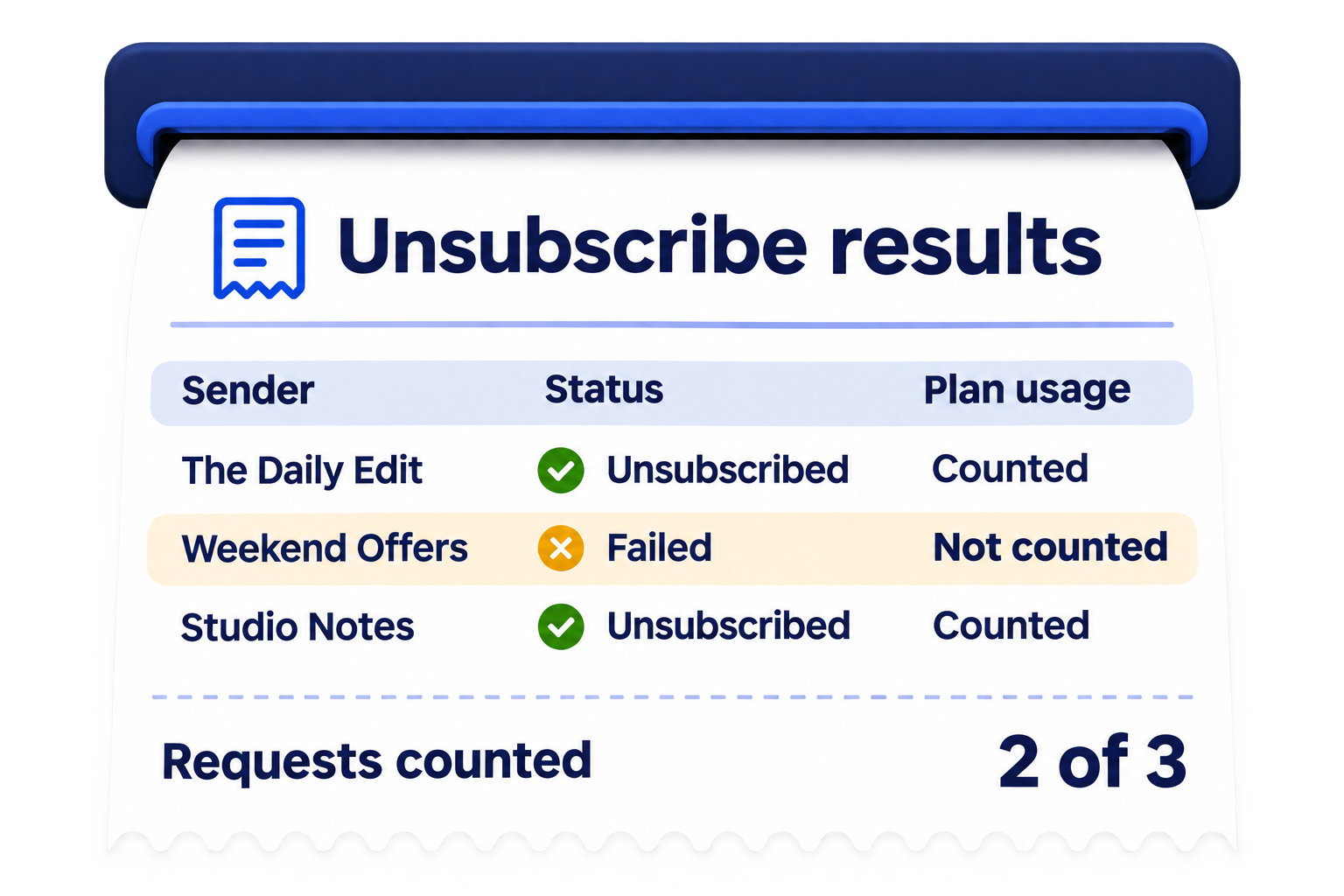
Connect your personal and work email accounts in one place, stop unwanted mailing lists, and revoke access whenever you want.
Connect your email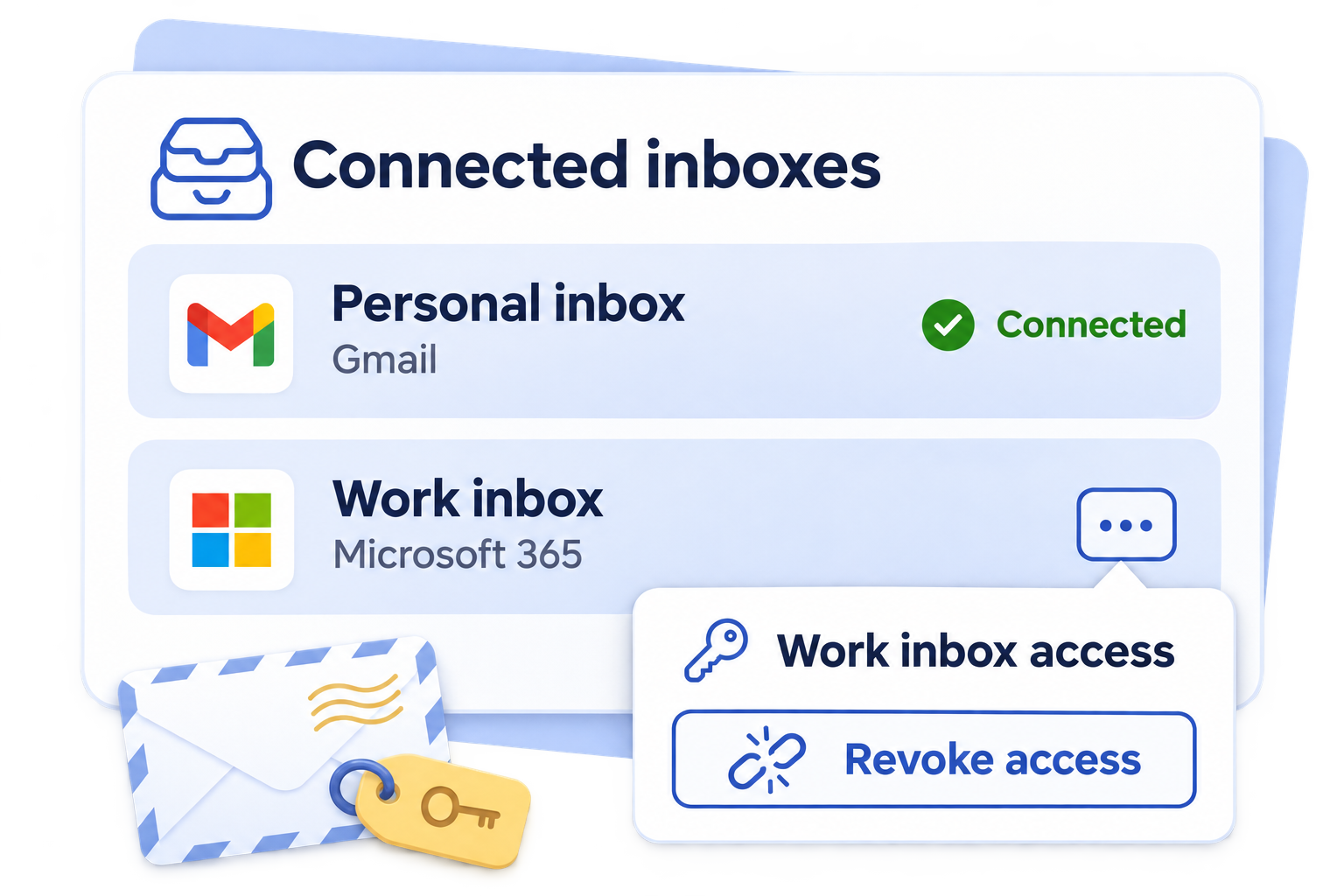
Subscriptions pile up gradually — a purchase here, a white-paper download there. Unsubscribing one at a time is slow. Forwarding to a proxy address is risky. Stop Mail gives you a clear view of who is emailing you and puts you back in control.
Unsubscribe — Uses List-Unsubscribe headers when available, so requests are processed fast.
Keep — Flag senders you actually want. They won't appear in future syncs.
Delete — Optionally remove the email from your inbox. Requires explicit write permission — separate from discovery.
Three actions
Send a one-click unsubscribe request via the email's List-Unsubscribe header. No browser redirects, no captchas. Senders are responsible for honouring the request — most do within a few days.
Mark a sender as intentional. Your Keep decision is saved and you can find the sender again using the Kept filter.
Remove the email from your inbox. Requires an optional write-access permission you grant separately and explicitly.
Delete ≠ Unsubscribe. The sender may continue emailing you unless you also choose Unsubscribe.
How it works
Authorise Stop Mail via OAuth. We request read-only access by default — your password is never touched or stored.
You trigger the scan. Stop Mail reads your inbox metadata and surfaces emails it identifies as subscriptions or promotions.
See every subscription grouped by category. Choose Unsubscribe, Keep, or Delete for each one.
Select multiple senders and confirm an action. Tasks run one by one; stopping prevents the next task from starting.
Privacy by design
We authenticate via OAuth 2.0. Your email password is never entered into Stop Mail and is never stored.
Stop Mail reads sender addresses, subjects and List-Unsubscribe headers. We do not read, store or process full email body text.
Delete requires an additional, optional write-access grant. Read-only is the default. You can revoke any permission in your provider's security settings.
Disconnect a mailbox in Stop Mail settings. Access can also be revoked directly in your email provider's security settings — no contacting us required.
Supported providers
Personal accounts (gmail.com)
Personal accounts (outlook.com, hotmail.com)
Personal Yahoo accounts
Delete not available for Yahoo Mail
Not available yet
Work and school accounts
You only pay for unsubscribes that actually worked.
Loved by 240,000+ users
For your personal and work inboxes
Cancel anytime. Renews at $6.99/month.
For busy inboxes and every address you use
Cancel anytime. Renews at $12.99/month.
For power users who manage every inbox
Cancel anytime. Renews at $24.99/month.
What users say
“Cleaned up 40+ newsletter senders in my Gmail in under 20 minutes. I've tried every 'inbox cleaner' app — this is the first that doesn't feel suspicious about what it's doing with my data.”
“OAuth-only, read-only by default, manual sync. I audited what permissions it requested before I connected. Everything checked out. This is how privacy-first tools should work.”
“Three mailboxes, clear action history, nothing runs without my permission. I upgraded to Plus after my first sync. The bulk unsubscribe alone is worth it.”
“Used it on my work Outlook account. Found 80+ promotional senders I'd never unsubscribed from. The delete function saved me a full afternoon of manual cleanup.”
“The difference vs other tools: this one actually removes emails from your inbox, not just sends an unsub request into the void.”
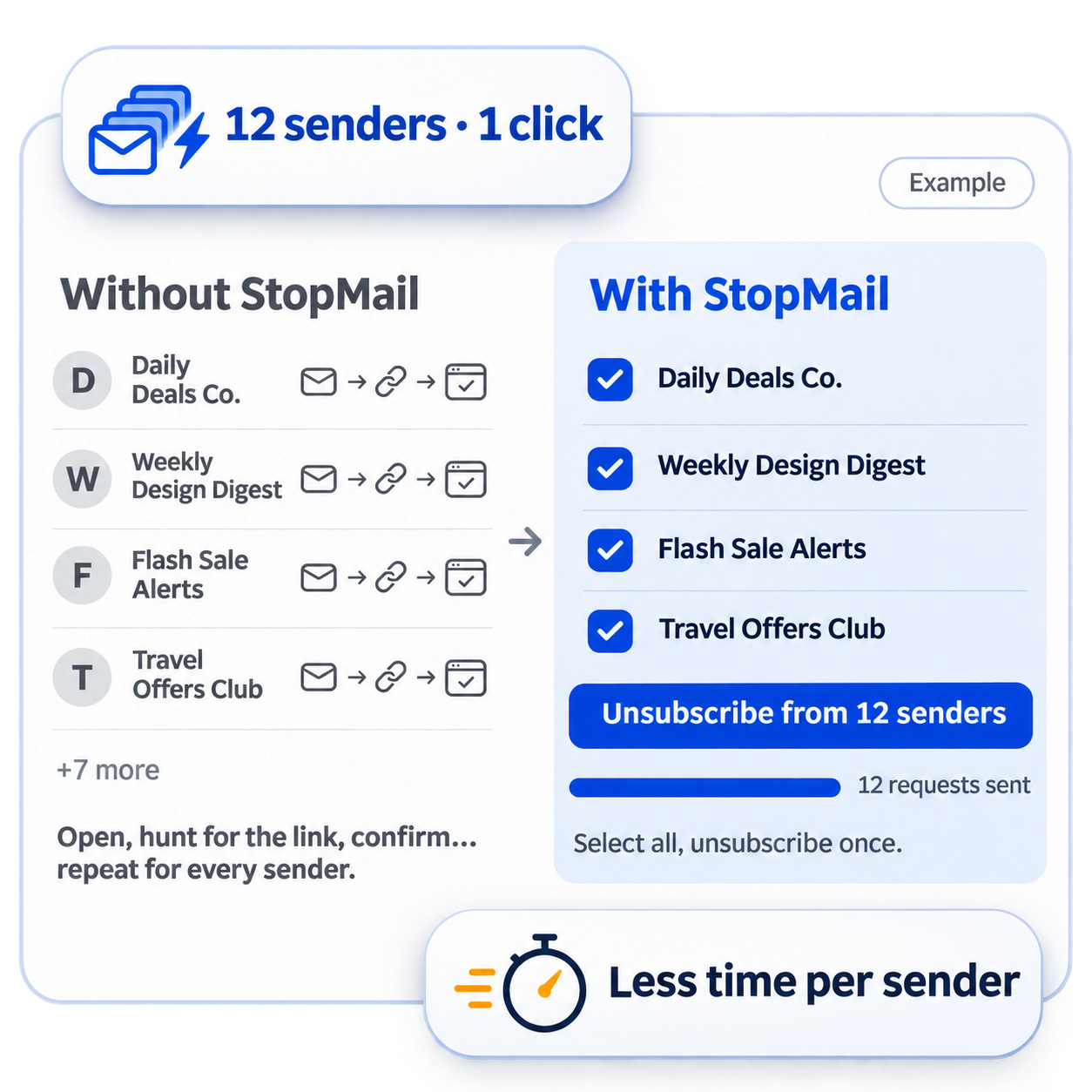
“I used to open each promo email just to find the unsubscribe link. With StopMail, I unsubscribed from a whole list of senders at once and kept the two newsletters I actually look forward to.”
Questions
You run a manual sync. Stop Mail reads message metadata and subscription headers, then groups matching messages by sender.
Discovery uses read-only Gmail access. Deleting messages requires a separate, optional write permission.
Stop Mail can send a supported one-click request. The sender decides when to honour it; an accepted request does not guarantee that all future email stops.
Delete moves synced messages to trash. It does not unsubscribe you. You confirm the action separately.
No. You authorise access with your email provider using OAuth 2.0. Your email password is never entered into Stop Mail.
Gmail, Outlook / Hotmail, and Microsoft 365 are supported when enabled. Yahoo Mail is not available yet.
Yes. Connect another Gmail mailbox and switch between your connected mailboxes in the workspace.
Set up in under 2 minutes. No hidden fees


 Unsubscribe


 Inbox cleanup, made effortless


